Professional body
Support accreditation of CME/CNE/CDE and online relicensing
CMEPEDIA helps professional bodies support accredited Continuing Medical Education (CME), Continuing Nursing Education (CNE) and Continuing Dental Education (CDE), verify members’ educational progress digitally and simplify online relicensing through secure portfolio access.
Medical councils, nursing councils, dental councils, speciality associations in India, international accrediting bodies and other regulatory organisations can collaborate with CMEPEDIA to support educational quality, accreditation recognition and digital verification of continuing education activities.
- Track members’ continuing education participation and progress
- Verify CMEPEDIA certificates, completed CME, CNE and CDE activities and learning records from other providers
- Support online relicensing and professional development
- Request temporary access to members’ digital portfolios
- Contribute accreditation expertise and quality criteria
- Endorse eligible international accreditations
- Support equivalency frameworks for local or national credits

Step 1 - Register as a professional body
Create a professional body account on CMEPEDIA for free.
Step 2 - Complete your profile
Complete your professional body profile and upload the relevant registration details, accreditation or quality criteria and supporting documents
CMEPEDIA will review the submitted information and verify your profile before the professional body features are activated.
Step 3 - Contribute or endorse accreditation
Professional bodies can participate in one of two roles through CMEPEDIA.
Contributing professional bodies share their accreditation expertise and quality criteria. They can add the content providers they have accredited, assign credits and update endorsement statements.
Endorsing professional bodies assess the accreditation and quality criteria shared by a contributing professional body. They can align the accreditation standards and credits with their own system, set the maximum number of credits that may be earned for each activity, adapt the endorsement statement to their requirements and submit it to CMEPEDIA.
CMEPEDIA can also support endorsing professional bodies in developing equivalency frameworks that align international accreditation with relevant national or state requirements. Once endorsed, members can study internationally accredited CME, CNE and CDE activities and receive credits recognised within the endorsing body’s system.
Step 4 - Request and review portfolio access
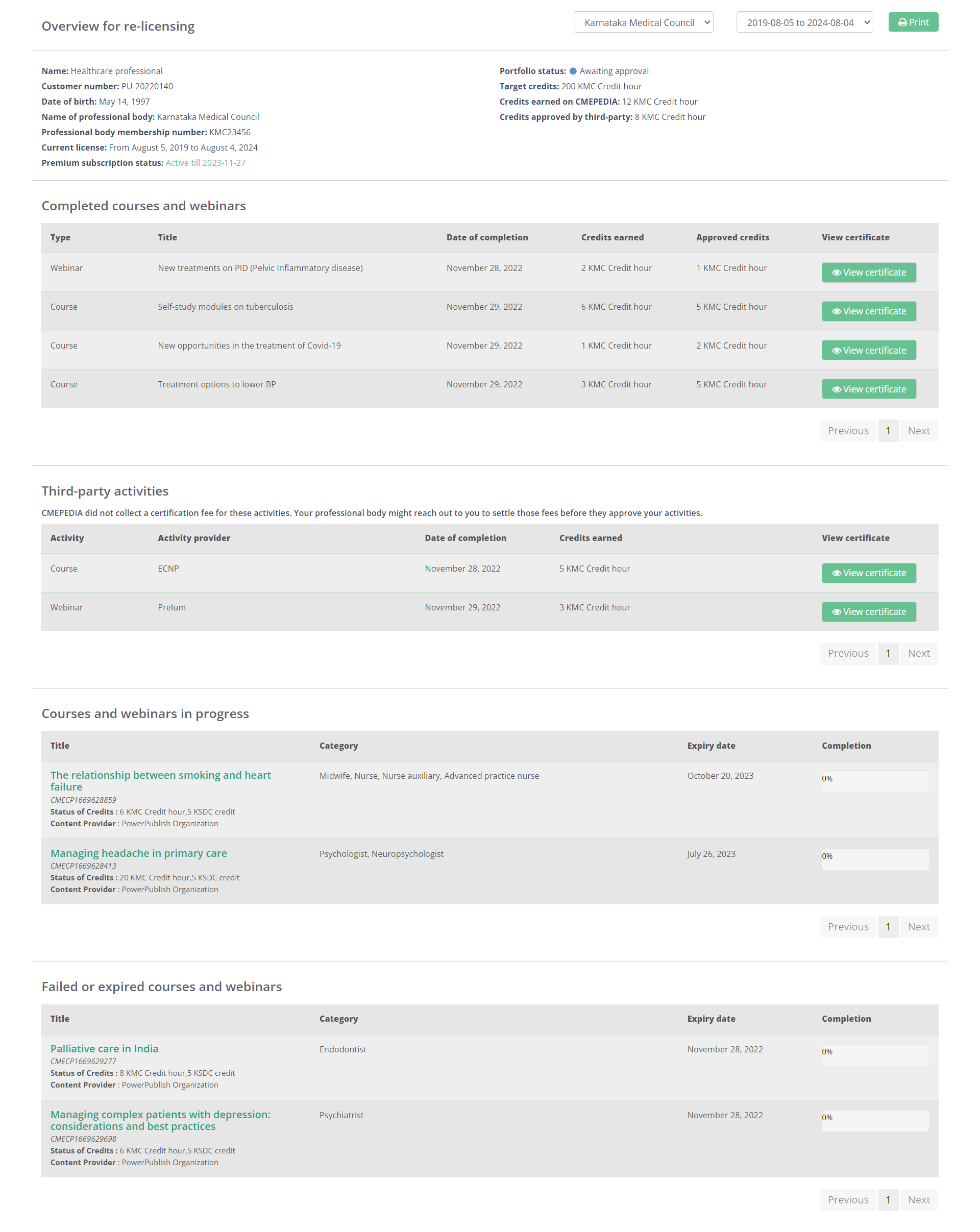
Send a secure request to a member for one month of access to their digital portfolio during relicensing, credentialing or educational verification.
Premium users can maintain a portfolio containing completed CMEPEDIA activities, certificates, accreditation information and learning records from other providers. The portfolio can continue to grow throughout their career as new education and qualifications are added.
The member must approve the request before access is provided and remains in control of their portfolio. Once approved, you can review these records online. CMEPEDIA also sends Premium users reminders when their relicensing date is approaching.
Step 5 - View member activity
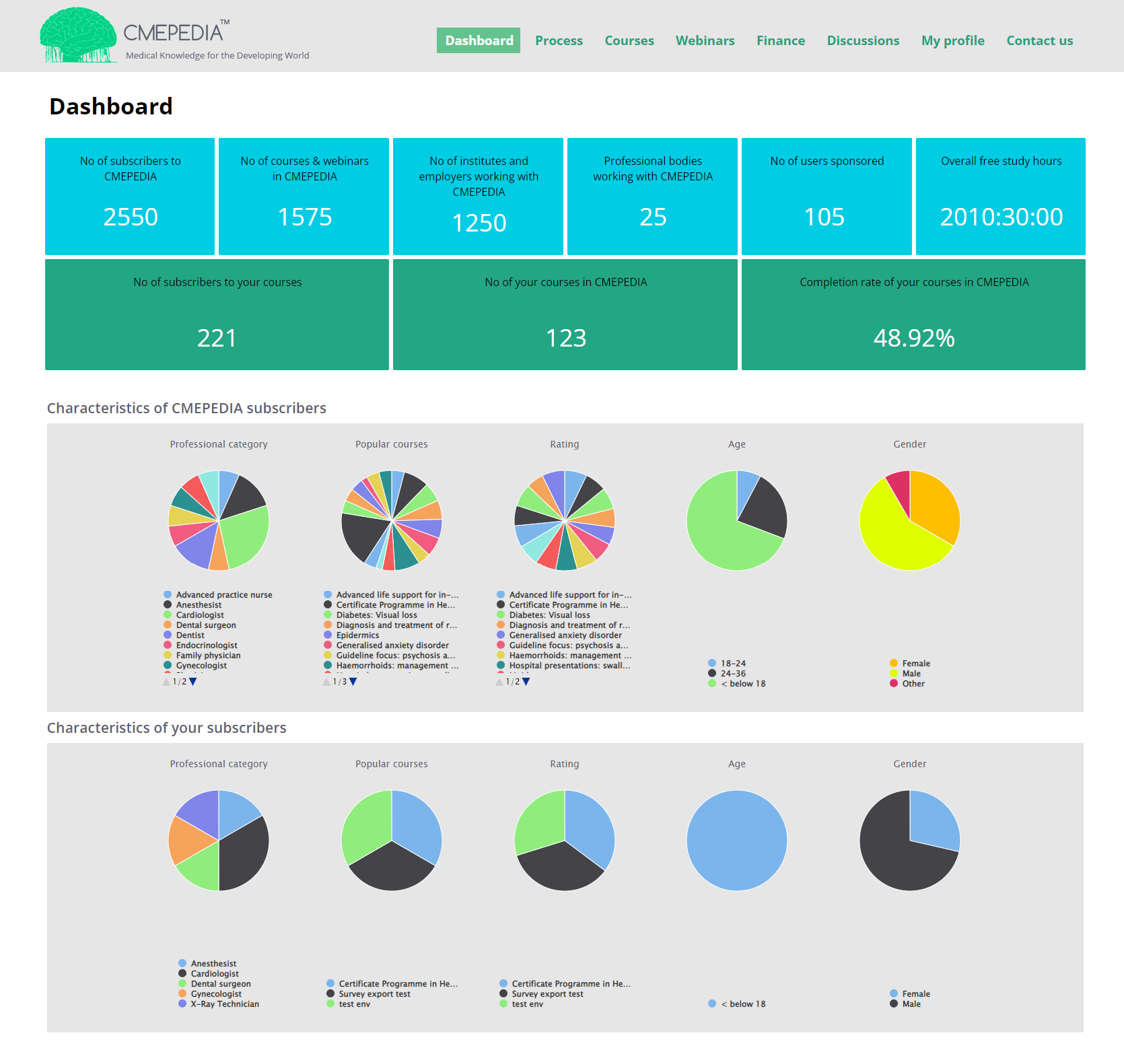
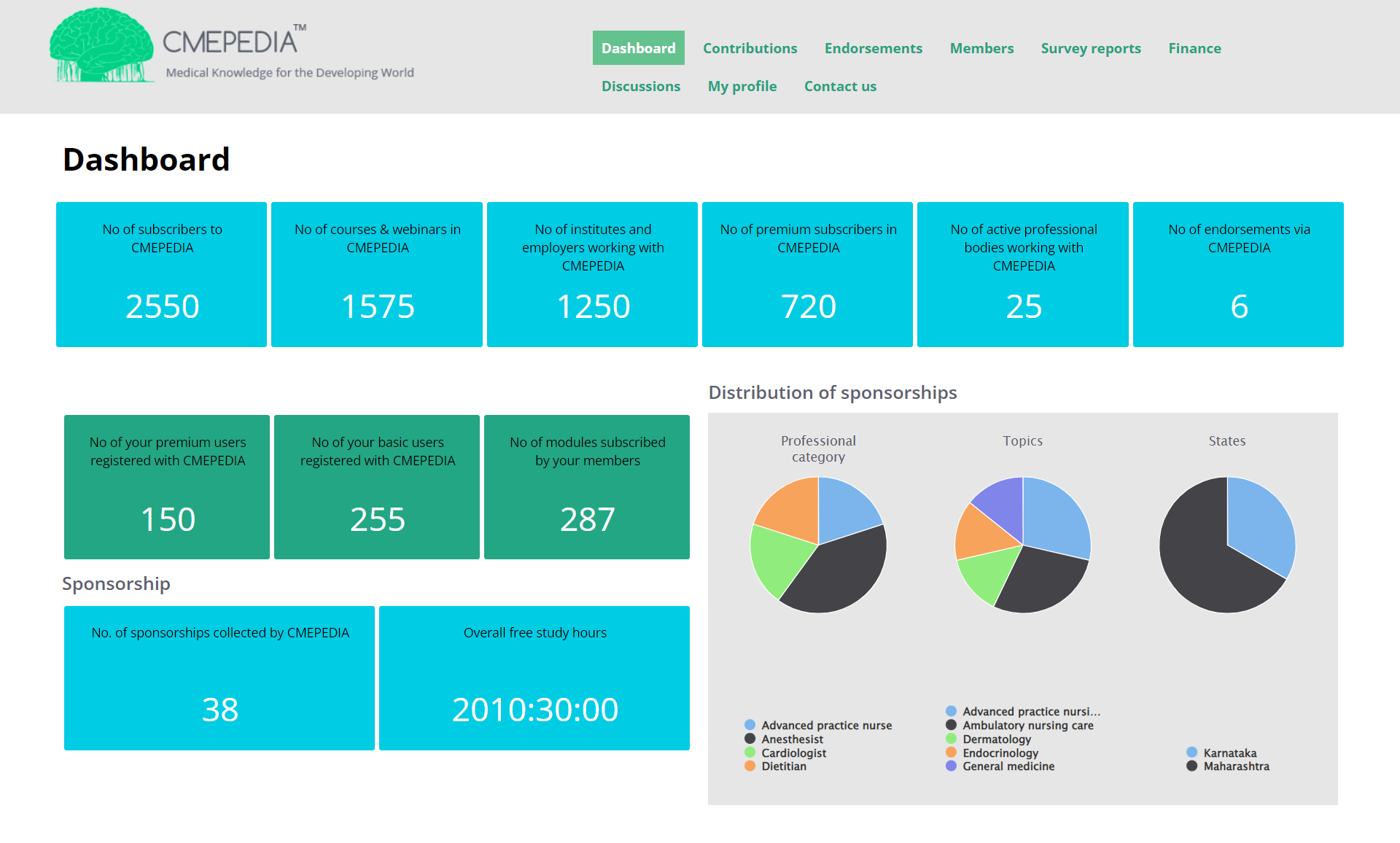
Use your professional body account to view information about registered members, course participation, endorsements, sponsorships and other activity connected to your organisation on CMEPEDIA.
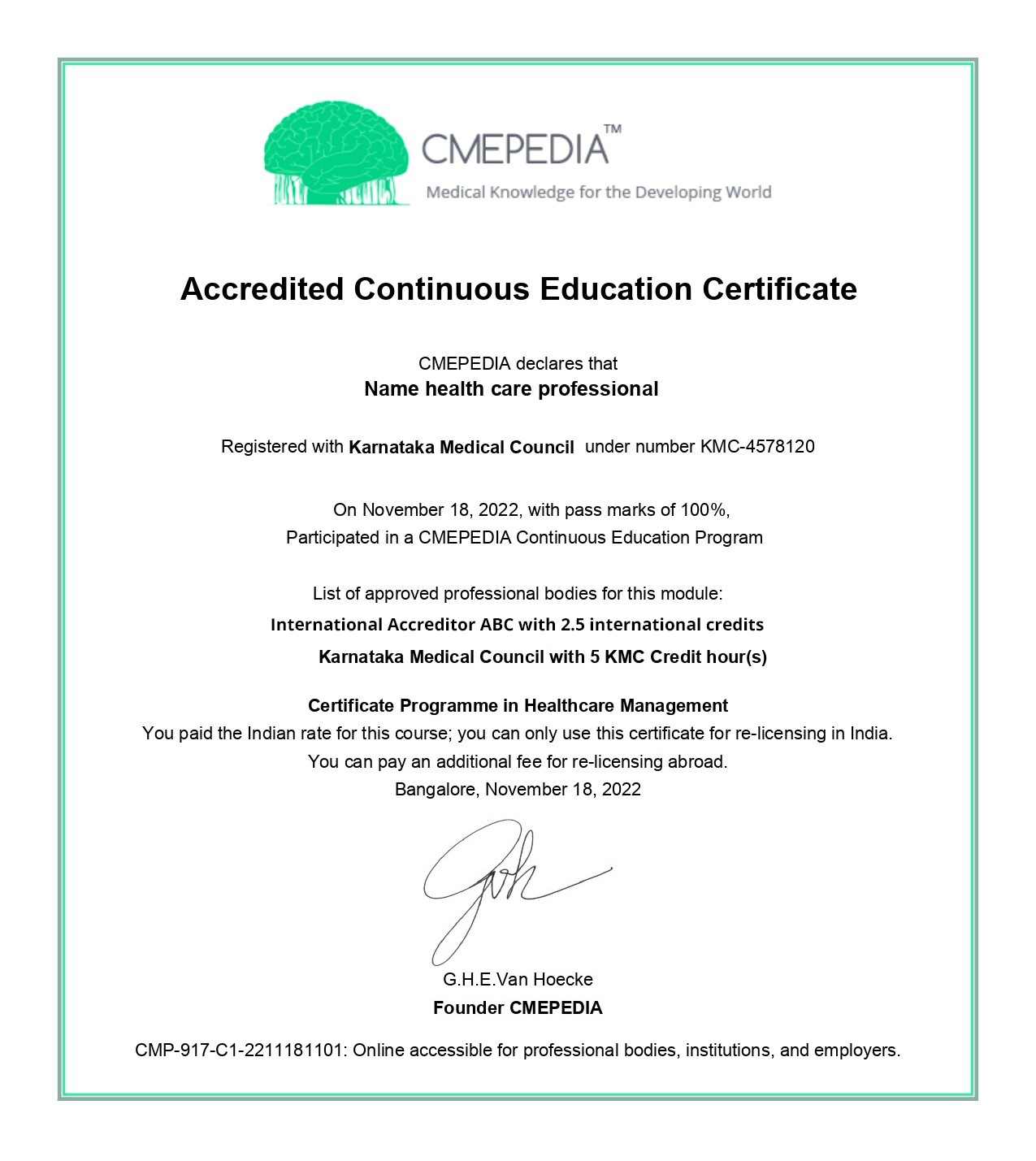
Healthcare professionals receive a digital certificate after successfully completing an eligible activity.
Each certificate includes the learner’s details, activity information, accreditation information where applicable and a unique certificate identification number for verification.
For every paid activity purchased, ₹15 is allocated to the CMEPEDIA development fund.
The fund supports continuing education development in underserved regions, including local course production, training, coaching and educational capacity building.