Employer/Institution
Employers & Institutions
CMEPEDIA helps hospitals, clinics, universities, medical colleges, nursing colleges, dental colleges and other healthcare employers and institutions manage online Continuing Medical Education (CME), Continuing Nursing Education (CNE) and Continuing Dental Education (CDE) for doctors, nurses, dentists, other healthcare professionals, employees and healthcare students.
- Book courses and webinars for employees or students
- Recommend or assign educational activities
- Pay for activities or ask learners to pay
- Request sponsorship support where available
- Monitor participation and completion
- Review individual learning records through portfolio access
- Review employee or student funding requests
- Forward unused paid course access
- Support staff training and continuing professional development

Step 1 - Register as an employer or institution
Create an employer or institution account on CMEPEDIA for free.
Step 2 - Complete your profile
Complete your organisation profile and add the relevant institutional or employer details.
CMEPEDIA will review the submitted information and verify your profile before the employer and institution features are activated.
Step 3 - Choose healthcare training courses and webinars
Browse CMEPEDIA’s educational activities and select online training
courses or webinars relevant to your employees or students. You can recommend an activity to learners or assign it as part of a staff or student training programme
Step 4 - Choose how the activity will be funded
You can pay for the educational activity directly, ask the employee or student to pay, or request sponsorship support where available.
CMEPEDIA encourages fair and affordable course fees in line with its pricing considerations.
Step 5 - Monitor participation and progress
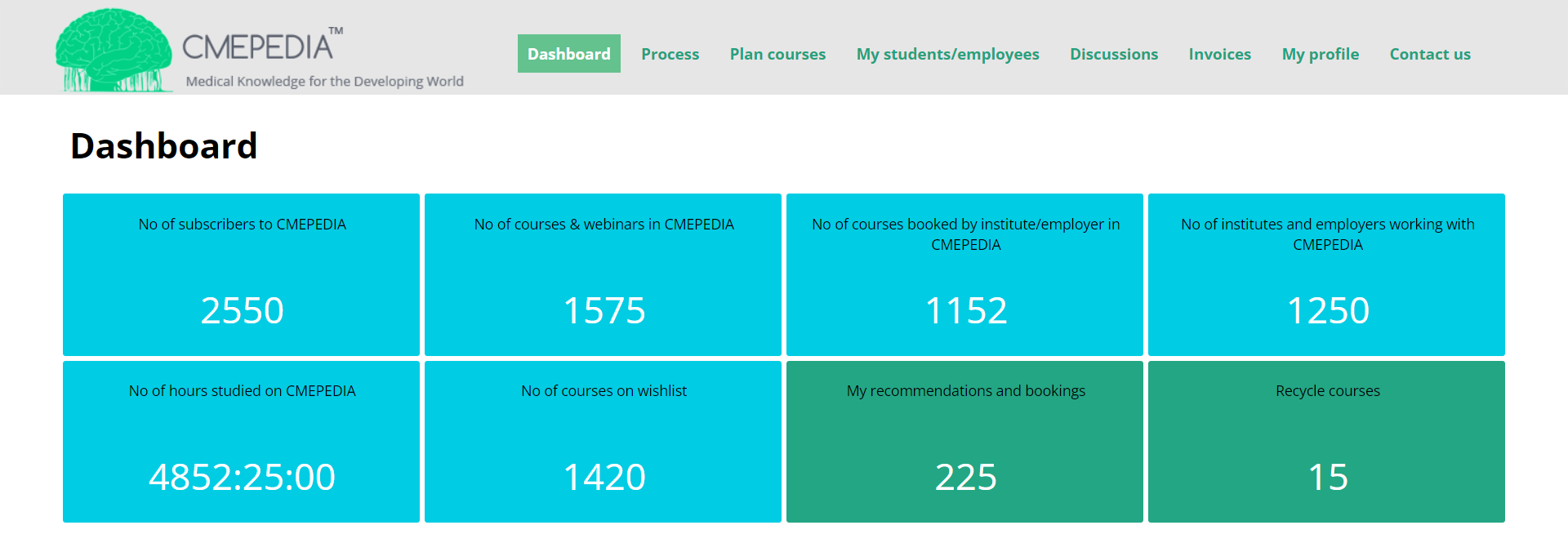
Use your employer or institution account to view assigned activities, learner participation, completion progress and other training information connected to your organisation.
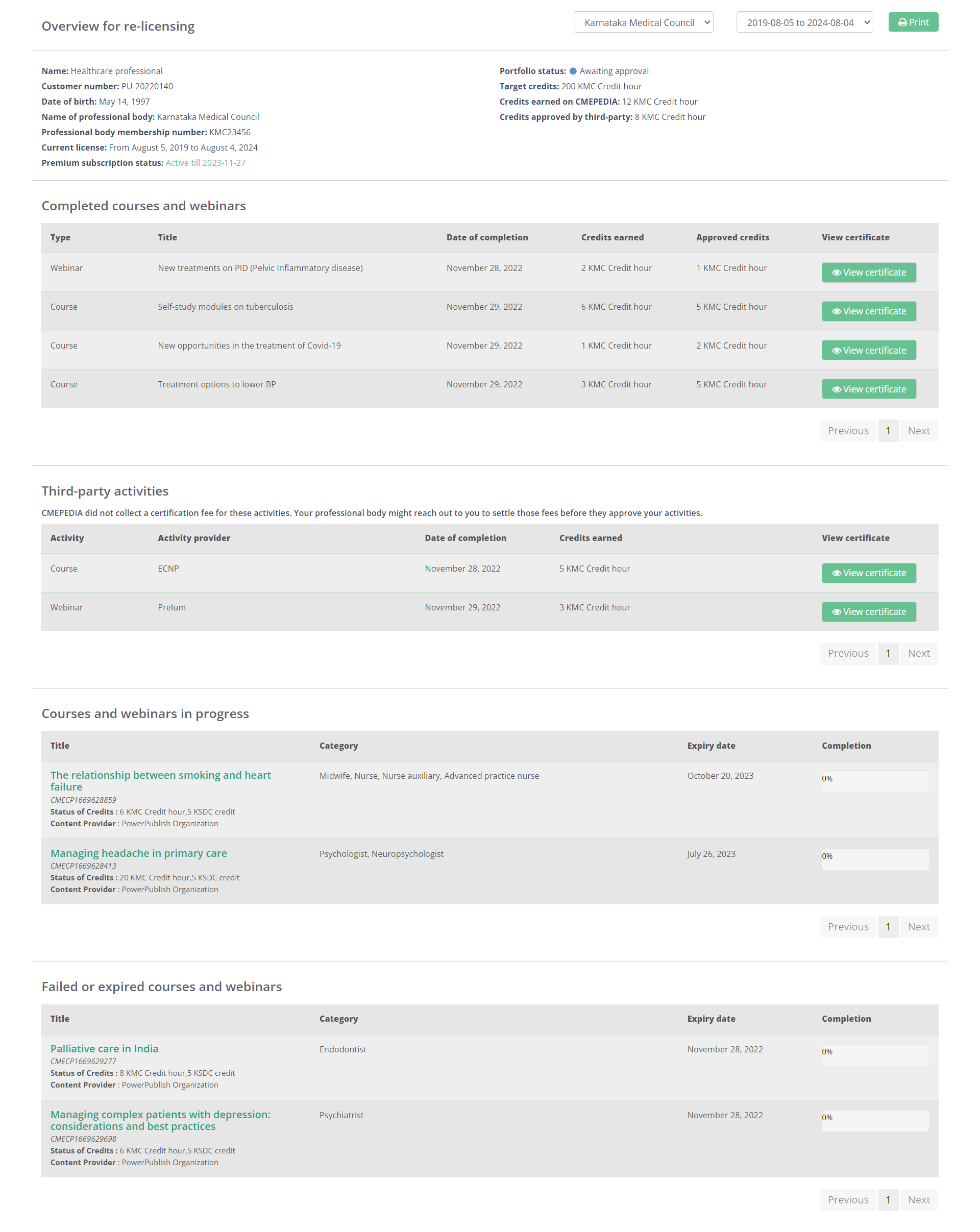
Premium users can maintain a digital portfolio containing completed CMEPEDIA activities, certificates, accreditation information and records added from other education providers.
An employee or student may provide your organisation with temporary access to their portfolio for grading, professional evaluation, training review or other authorised purposes.
The learner remains in control and must approve the request before access is provided.
Employees and students can request funding for paid courses and webinars they would like to complete.
Your organisation can review these requests and support relevant educational activities based on learner interests, professional development needs or workforce training priorities.
This also allows employers and institutions to recognise or reward staff and students by supporting learning they have requested.
When a paid course assigned to an employee or student remains unused within the specified period, the access may be forwarded to another eligible employee, student, healthcare professional or CMEPEDIA user.
This helps your organisation make better use of its educational resources and extend access to another learner.
Plan educational activities, monitor participation, and support continuing professional development through a single digital platform.